01
Start with your wardrobe
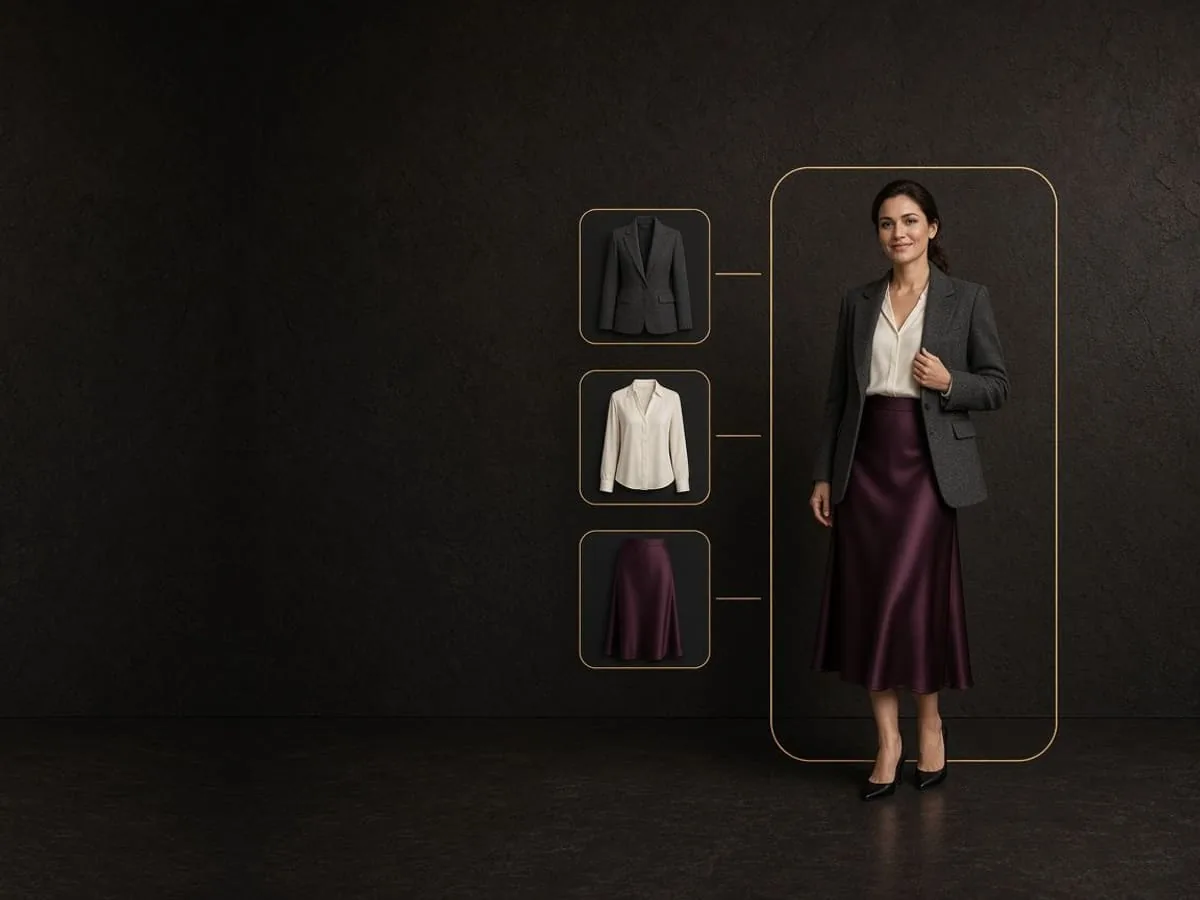
Choose the categories and clothes you want to see together instead of beginning with a generic catalogue.
VIRTUAL TRY-ON
Build a look from clothes in your digital closet and visualize the combination on your model photo before you choose what to wear or save.
→ 01 / WHAT IT HELPS YOU SEE
Virtual Try-On brings separate wardrobe pieces into one visual direction. It helps you compare an idea before dressing, without pretending an AI image can replace trying the clothes on.
01
Choose the categories and clothes you want to see together instead of beginning with a generic catalogue.
02
Rerun a look when you want to compare a different combination or styling choice.
03
Save a generated look, share it, or return to it when the decision becomes relevant.
→ 02 / ONE LOOK, SEEN TOGETHER
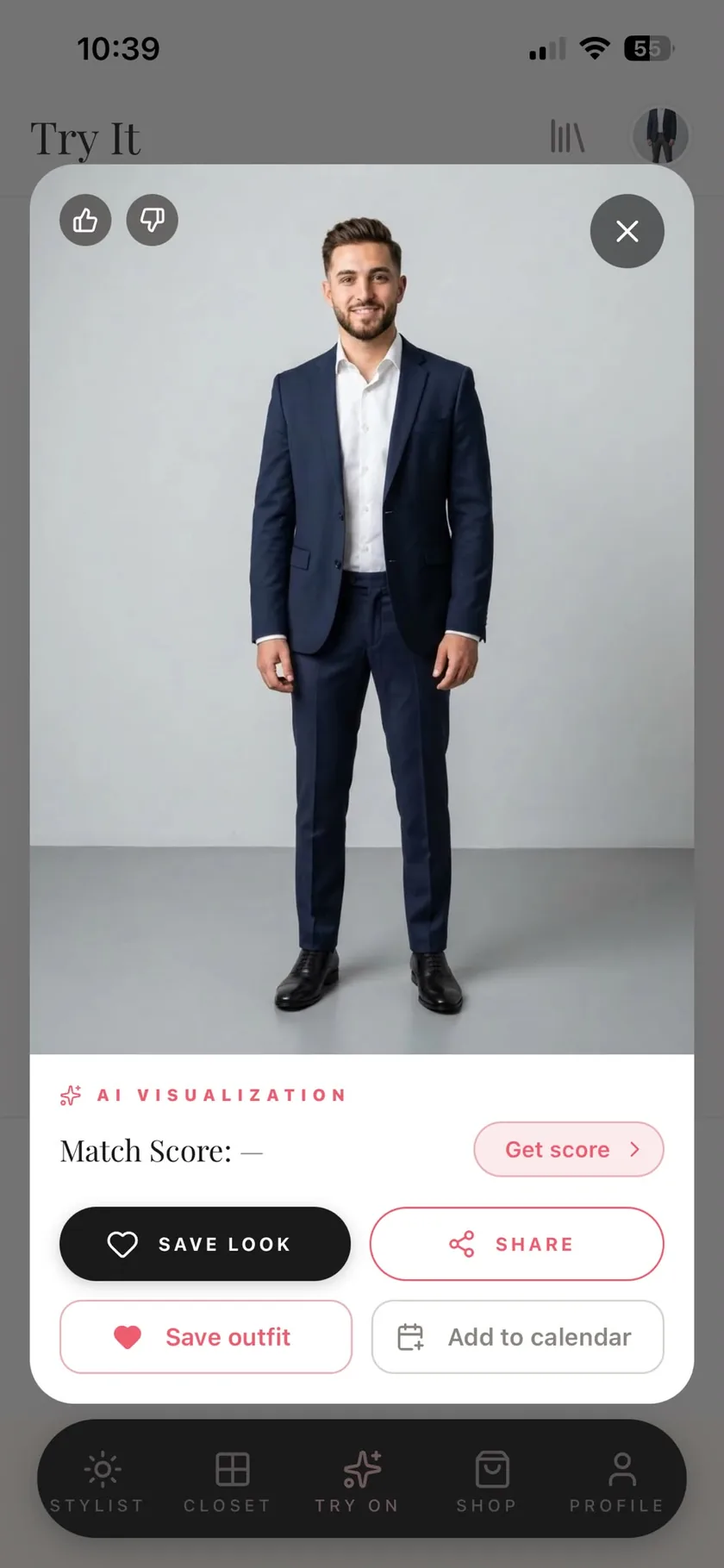
The render gives you a visual reference for the combination you selected. Review the whole look, then keep it or try another version.
→ 03 / HOW IT WORKS
The flow stays focused on the decision you are making, from the photo you provide to the result you choose to keep.
Use a full-length or waist-up photo of yourself on a plain background so the full look has a clear canvas.
Select the wardrobe categories and pieces you want Modesona to visualize together.
Generate the preview, then save, share, or rerun the result when you want another direction.
→ 04 / WHAT THE IMAGE MEANS
Virtual Try-On is useful when it is honest about its limits. The result is an AI-generated image for exploring a styling direction, not a photograph of how the garments physically fit.
The render does not prove physical fit, drape, size, or exact colour and should not be used to choose a garment size.
Treat shared or exported renders as AI-generated, and do not present them as genuine photographs.
Photos of you are never used to improve Modesona’s AI, including Virtual Try-On and Rate my look photos.
Try-on photos are deleted when you remove them from the app and are removed with your account under the published retention policy.
→ 05 / QUESTIONS, ANSWERED
The practical details to know before you create your first wardrobe preview.
You provide a model photo, select clothes from your wardrobe, and Modesona creates an AI-generated image that brings the chosen pieces together on that photo.
Use a clear full-length or waist-up photo of yourself on a plain background. A simple, unobstructed image gives the feature the clearest starting point.
No. The image is a styling preview, not a sizing tool. It cannot show reliable physical fit, drape, size, or exact colour, so use the retailer’s measurements and try-on guidance for sizing decisions.
Photos of you are never used to improve Modesona’s AI. Google Gemini processes a photo on Modesona’s instructions to provide the feature and is contractually prohibited from using it to train Google’s models.
You are cordially invited
Modesona is your personal stylist — free, instant, and built around everything already hanging in your wardrobe.


Free · No card required · iOS & Android