01
One visual wardrobe
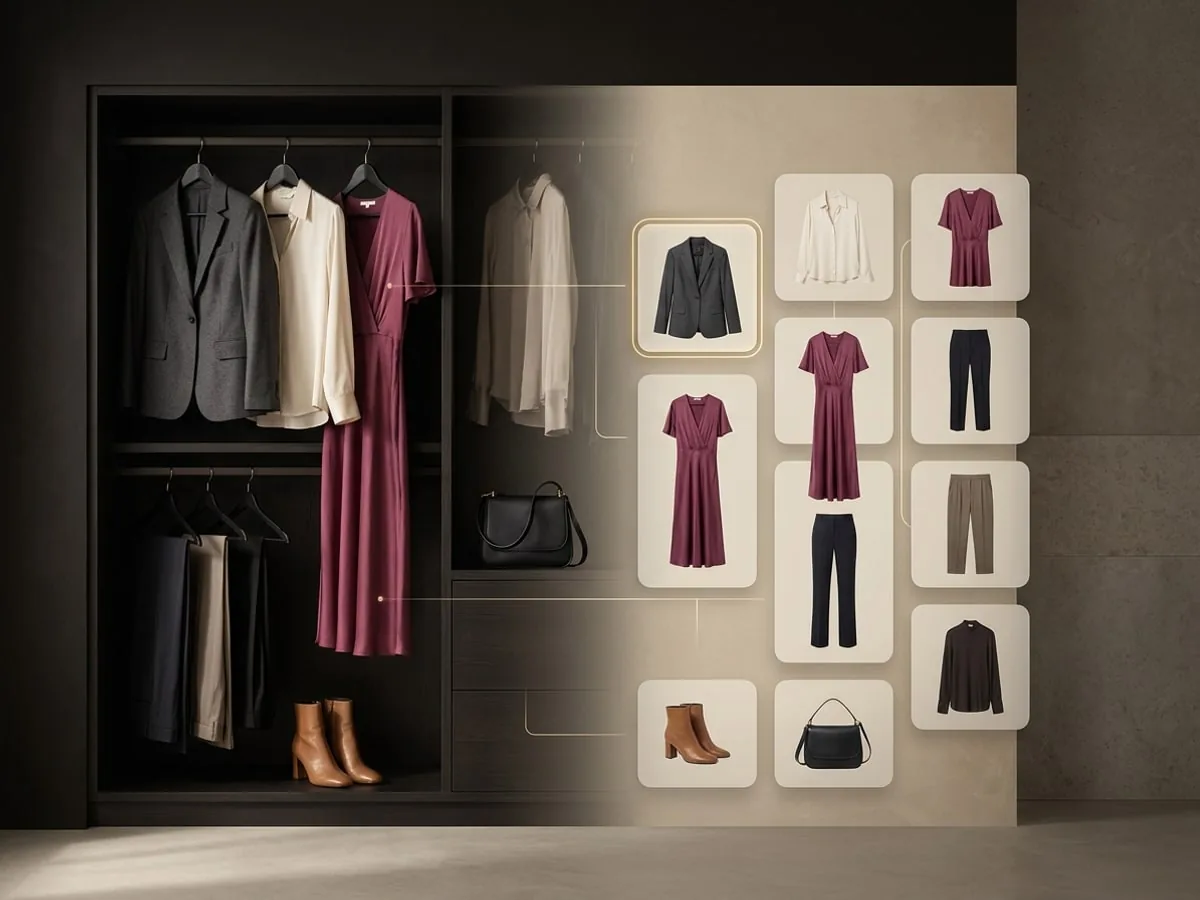
Every scanned or imported piece appears in a single grid you can scroll, not a list of names.
DIGITAL CLOSET
Keep your clothes in a single visual wardrobe, then find any piece by category, colour, style, season, or a tag you invented yourself.
→ 01 / WHY A WARDROBE YOU CAN SEARCH
Clothes get forgotten at the back of a rail rather than thrown away. A closet you can scroll and filter turns the pieces you own into options you remember.
01
Every scanned or imported piece appears in a single grid you can scroll, not a list of names.
02
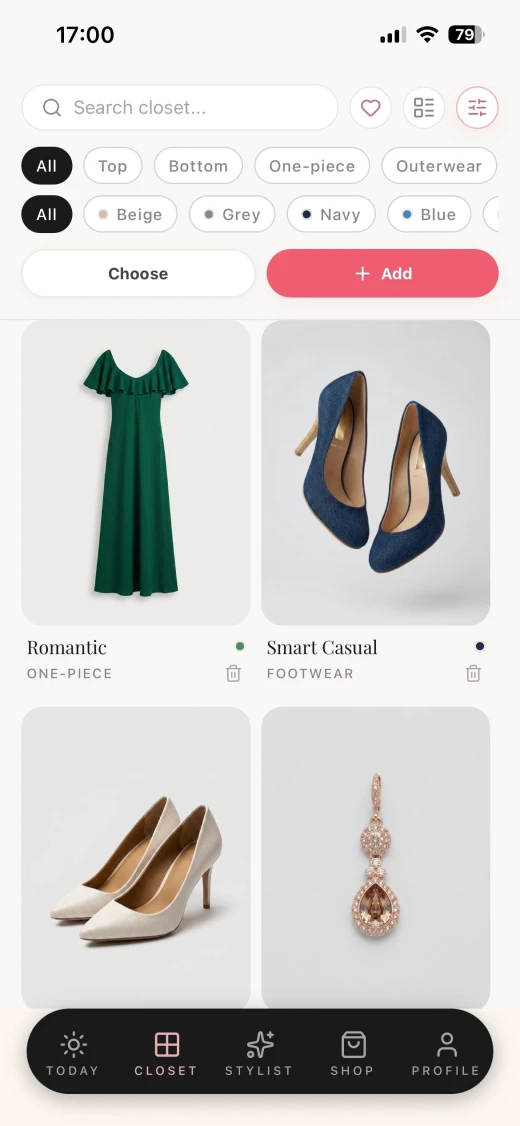
Search by text, or narrow the grid by category, colour, style, season, favourites, and your own tags.
03
A starter wardrobe is available while you build yours, so the stylist has something to work with on day one.
→ 02 / YOUR CLOSET, FILTERED
Category and colour filters sit above the grid, so narrowing a full wardrobe down to the pieces you are deciding between takes a tap.
→ 03 / HOW IT WORKS
The closet is the foundation the rest of the app reads from, so the work you put into it comes back in every outfit and shopping answer.
Scan pieces with your camera, import them from a web store, or begin with the starter wardrobe.
Mark favourites, add your own tags, and correct any detail that does not match the garment.
The closet becomes the source for daily outfits, stylist answers, packing plans, and shopping advice.
→ 04 / WHOSE WARDROBE IT IS
The digital closet is only useful if you trust what is in it. You decide which pieces exist, how they are described, and when they are removed.
Add, edit, and delete any piece at any time. Nothing enters your closet without you saving it.
Category, colour, style, season, and tags can all be changed when a scan or an import reads a garment wrong.
Removing an item removes its image, and deleting your account removes the closet under the published retention policy.
The starter wardrobe exists so you can try the app before scanning, and you can remove it once your own clothes are in.
→ 05 / QUESTIONS, ANSWERED
What belongs in the wardrobe, how to find a piece, and how much of your closet you really need to add.
Clothing, footwear, outerwear, one-piece garments, and accessories. Anything you scan, import, or add by hand becomes a piece you can filter and style.
Use the search field for text, or combine the filters above the grid: category, colour, style, season, favourites, and your own tags.
No. Most people start with the pieces they actually wear. The more of your wardrobe is in the closet, the more useful the outfit and shopping advice becomes.
A set of example pieces available while you build your own closet, so you can try outfit ideas and stylist questions before scanning everything.
Yes. Deleting an item removes it and its image from your closet, and it stops appearing in recommendations.
You are cordially invited
Modesona is your personal stylist — free, instant, and built around everything already hanging in your wardrobe.


Free · No card required · iOS & Android