01
See the month
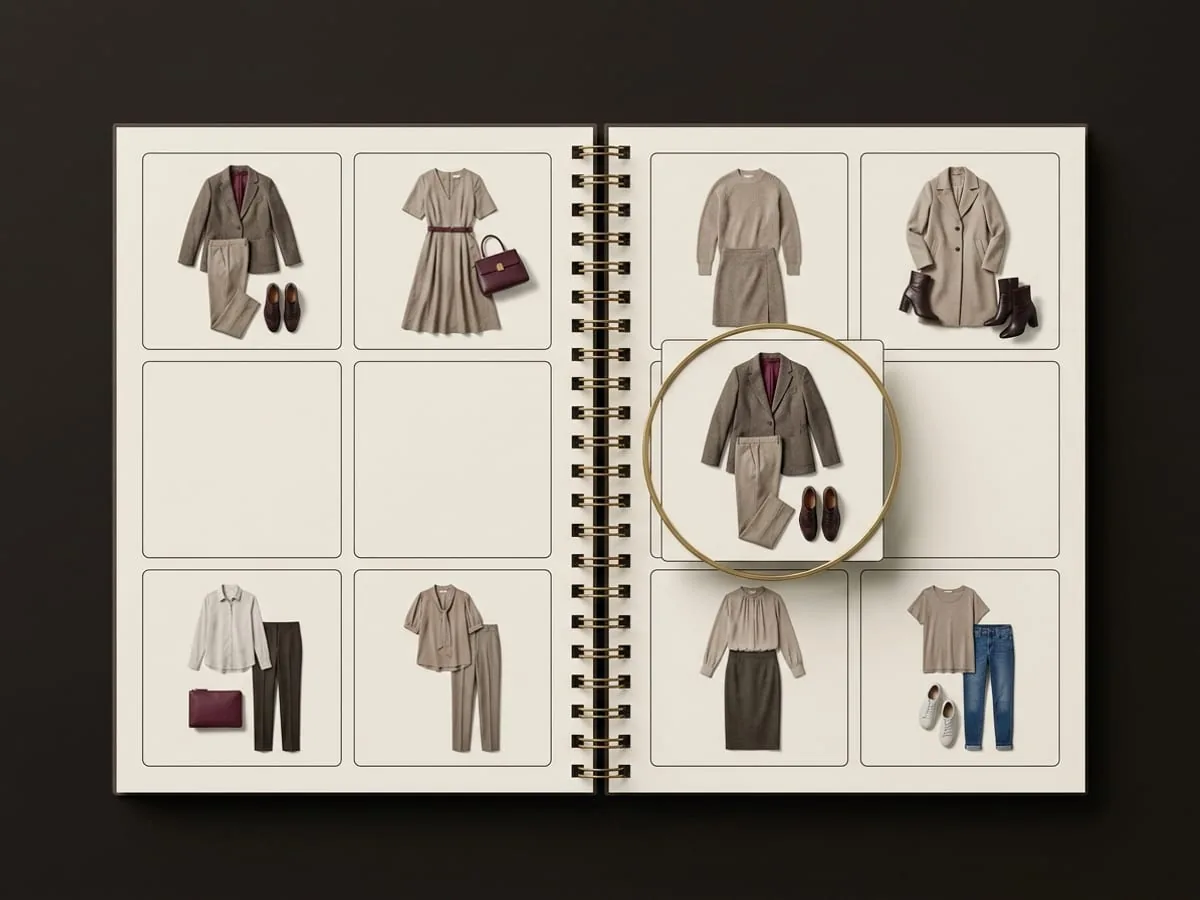
A monthly view shows which days already have a look and which are still open.
OUTFIT CALENDAR
Place saved looks on the dates that need them, see the month at a glance, and add a planned outfit to your device calendar when you want the reminder there.
→ 01 / WHY PLAN AHEAD
Getting dressed is slow when it competes with leaving the house. Planning a look against a date moves the decision to a moment when you have time to make it.
01
A monthly view shows which days already have a look and which are still open.
02
Place combinations you have already built and liked, instead of starting from an empty rail.
03
Add a planned outfit to your device calendar when you want it sitting alongside the rest of your day.
→ 02 / A MONTH OF PLANNED LOOKS
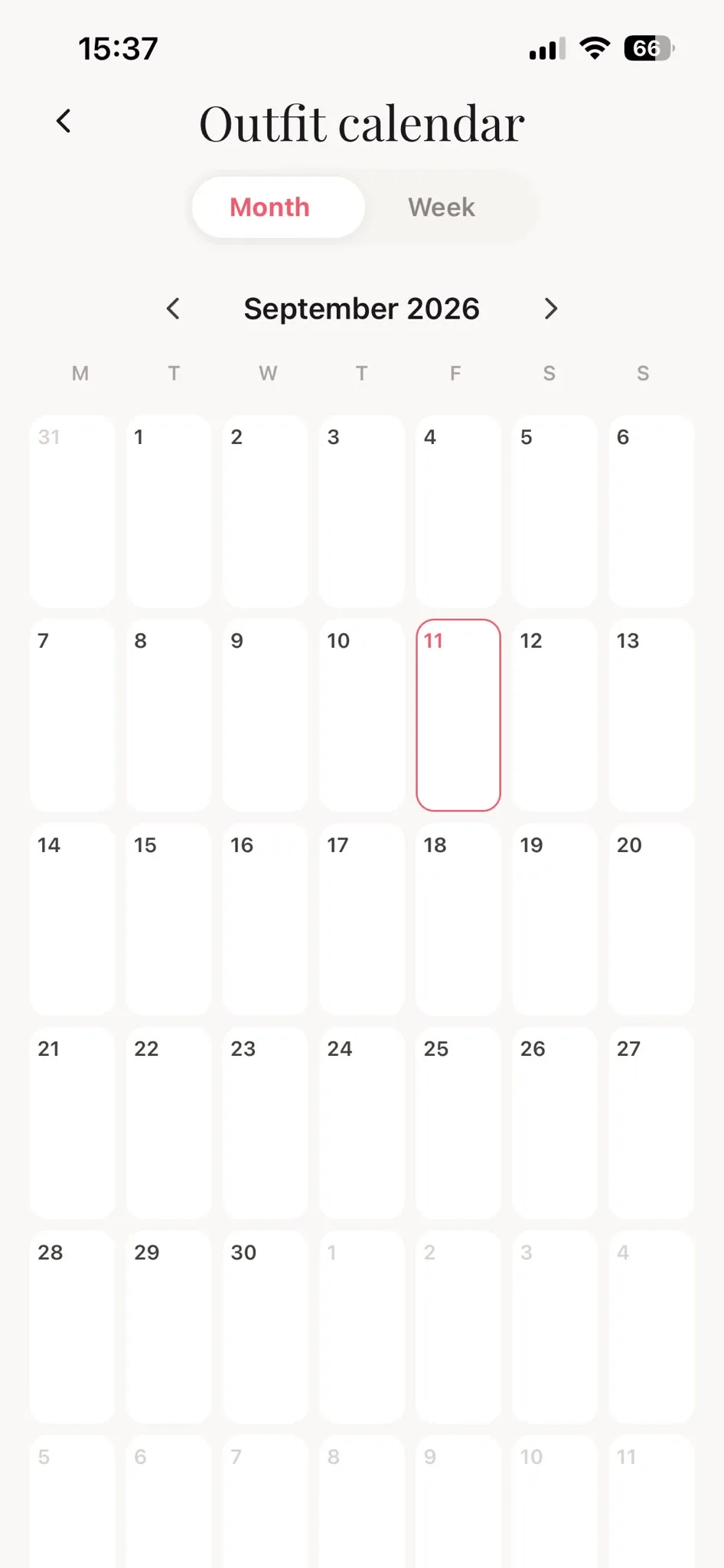
Switch between month and week, move between months, and open a date to see or change the look you planned for it.
→ 03 / HOW IT WORKS
The calendar works on outfits you have already decided you like, which is what makes planning a week realistic rather than aspirational.
Build outfits from your closet and keep the combinations that work in your saved outfits library.
Open the calendar and place a saved look on the day it is for.
Review the month, adjust a plan, and add the outfit to your device calendar if you want the reminder there.
→ 04 / WHAT THE CALENDAR TOUCHES
Planning inside Modesona never changes anything outside it. The handoff to your device calendar happens when you ask for it, using the permission your phone grants.
A planned look stays inside Modesona until you choose to add it to your device calendar.
Calendar access is granted and revoked in your device settings, not inside the app.
Move, replace, or remove a planned outfit at any time. A plan is a note to yourself, not a commitment.
A look planned weeks ahead may not suit the day it arrives. Check it the night before and change it freely.
→ 05 / QUESTIONS, ANSWERED
What you can plan, what reaches your phone calendar, and how to change your mind.
Outfits you have saved. Build and keep the combination first, then place it on the date you need it.
No. A planned look stays in Modesona unless you choose to add it to your device calendar, and that requires calendar permission on your phone.
Yes. The calendar has month and week views, so you can work through several days in one sitting.
Replace or remove the planned outfit. Nothing about the calendar locks you into what you decided earlier.
You are cordially invited
Modesona is your personal stylist — free, instant, and built around everything already hanging in your wardrobe.


Free · No card required · iOS & Android