01
One library of looks
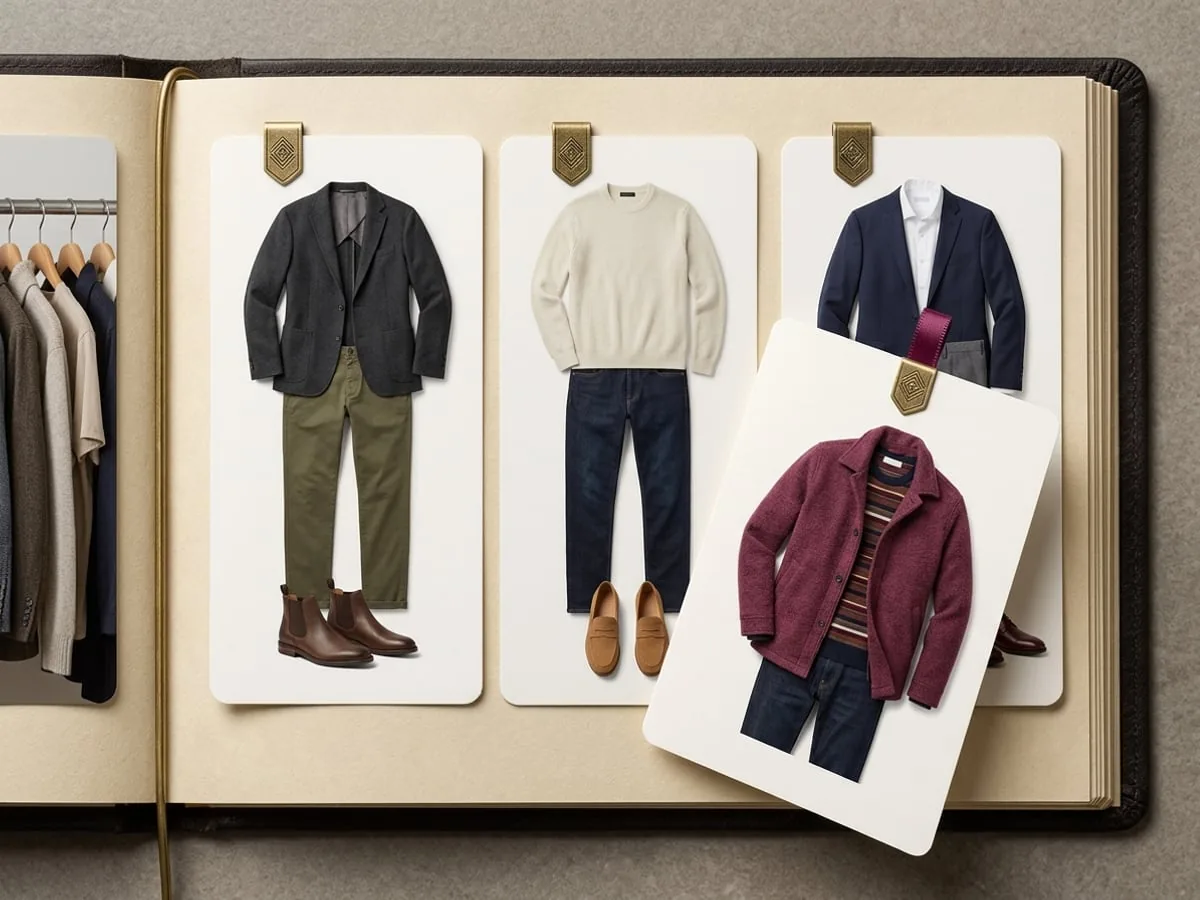
Keep outfits you built by hand alongside generated looks you decided were worth keeping.
SAVED OUTFITS
Build complete looks from your digital closet, save the ones worth repeating, and keep a personal library ready for the next decision.
→ 01 / WHY SAVE A LOOK
The combinations you work out in front of a mirror are usually forgotten by the following week. A saved library turns a one-off solution into something you can reuse on purpose.
01
Keep outfits you built by hand alongside generated looks you decided were worth keeping.
02
Mark the looks you return to and keep the notes you gathered about them.
03
Saved looks are what the outfit calendar, packing plans, and friends polls draw on.
→ 02 / A PERSONAL LOOK LIBRARY
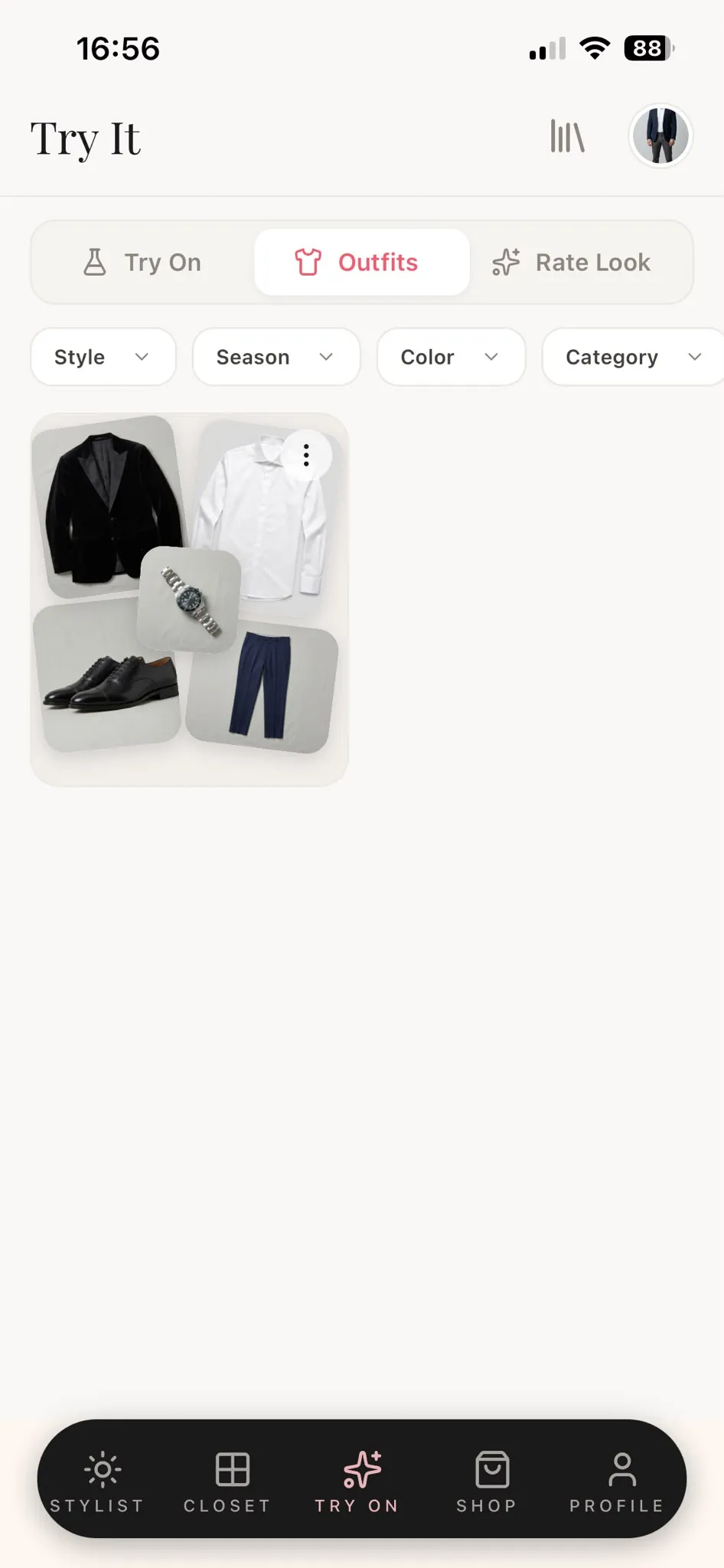
Each saved look holds the pieces it is made of, so reusing it means recognising a combination instead of rebuilding it.
→ 03 / HOW IT WORKS
The library is deliberately simple, because its value comes from being the place everything else in the app reaches for.
Combine pieces from your closet, or keep a generated outfit that worked.
Add the combination to your library and mark it a favourite if you expect to return to it.
Plan it on a date, pack it for a trip, or put it into a poll when you want a second opinion.
→ 04 / WHAT A SAVED LOOK HOLDS
A saved outfit is a reference to clothes in your closet. It changes when you change the closet, and it disappears when you decide it should.
A saved outfit points at pieces you own, so deleting a garment affects the looks that used it.
Keeping an AI-generated look does not turn it into a photograph of you wearing those clothes.
Saved outfits stay private until you choose to share one, for example in a friends poll.
Remove a look or your whole library at any time. Account deletion removes it under the published retention policy.
→ 05 / QUESTIONS, ANSWERED
What a saved look contains, what happens when your closet changes, and who can see it.
Any complete look you keep: a combination you built from your closet by hand, or a generated look you decided was worth keeping.
The look refers to pieces in your closet, so removing a garment changes the outfits that used it. Rebuild or replace the look if you still want it.
Not unless you share one. Looks stay private until you put one into a friends poll or send it yourself.
They are what you plan on the outfit calendar, draw on for a packing plan, and share when you want friends to vote between options.
You are cordially invited
Modesona is your personal stylist — free, instant, and built around everything already hanging in your wardrobe.


Free · No card required · iOS & Android