AI Stylist vs. Wardrobe Organizer: What’s the Difference?
AI stylist vs. a wardrobe organizer: what’s the difference?
A wardrobe organizer helps you keep track of the clothes you own. An AI stylist suggests ways to wear clothes, usually based on information such as your preferences, wardrobe photos, or a request you provide.
The categories overlap. A wardrobe app may include AI outfit suggestions, and an AI styling tool may include a digital closet. The most useful distinction is what you want help with: seeing your clothes, putting outfits together, or both.
Here’s how to compare the options and choose features that fit your routine.
What does a wardrobe organizer do?
A digital wardrobe organizer creates a record of your clothing, usually using photos and details about each item.
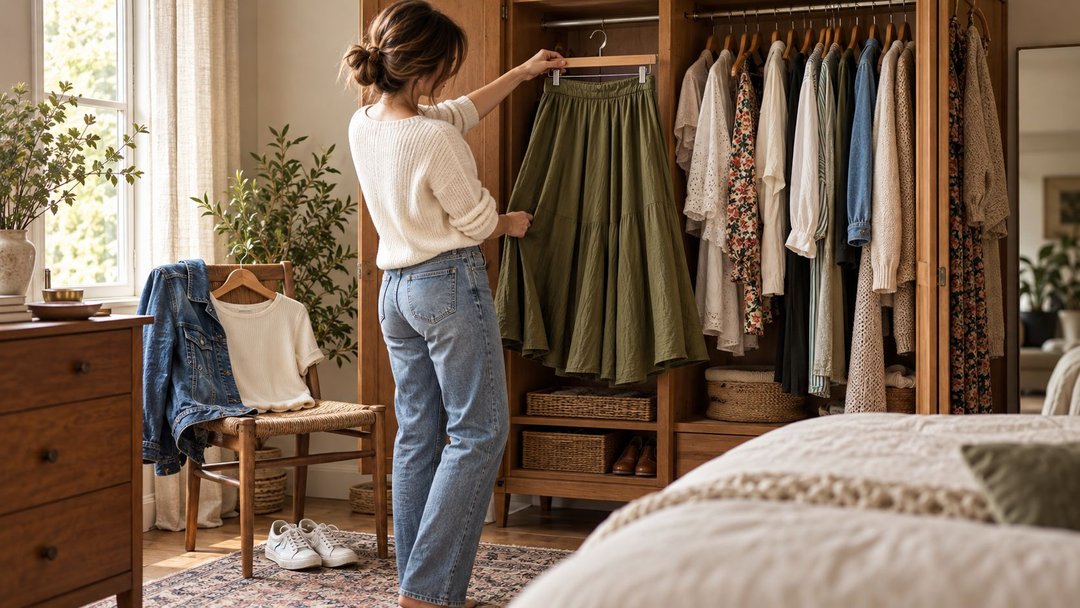
Its main purpose is to make your closet easier to browse. Instead of looking through drawers or remembering what’s in storage, you can review your clothes on a screen.
Depending on the app, you may be able to:
-
Group items by category, color, season, or occasion.
-
Create outfits manually from clothing photos.
-
Save favorite combinations.
-
Plan what to wear on specific days.
-
Record when you wear an item.
-
Create selections for trips or activities.
These capabilities vary. A digital closet doesn’t automatically include an outfit calendar, packing lists, or wear tracking.
When a wardrobe organizer is useful
Imagine you own a green shirt you like but keep forgetting about. A wardrobe organizer can make it visible alongside your other tops. You might then pair it with pants you already own and save the combination.
The tool helps you access and organize your options. You can make the styling decisions yourself.
What does an AI stylist do?
An AI stylist generates clothing suggestions in response to information you give it.
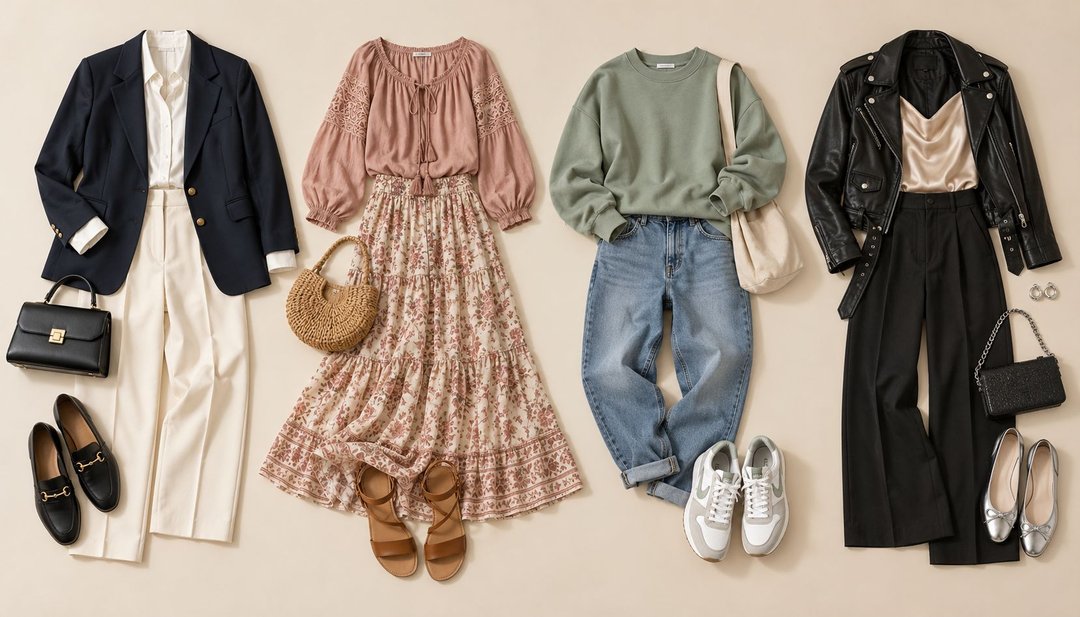
That information might include a written request, outfit photos, style preferences, or a collection of clothes you’ve uploaded. Some tools suggest products to buy; others can work with your existing wardrobe.
Depending on the tool, you might ask for:
-
Outfit ideas for a specific occasion.
-
Ways to style a particular item.
-
Alternatives to an outfit you already wear.
-
Suggestions based on a preferred color or style.
-
Feedback on a combination you’re considering.
The label “AI stylist” doesn’t tell you exactly what the tool knows about your clothes—or whether it knows anything about them.
A system responding to “What should I wear to dinner?” may give general advice. A system with access to your uploaded wardrobe may be able to suggest specific items you own.
When an AI stylist is useful
Imagine you can see everything in your closet but feel stuck combining it. You might ask for three ways to wear your green shirt with the pants and shoes you’ve uploaded.
The useful result is a set of ideas you can assess and try on. Whether the tool can keep every suggestion within your wardrobe is something to check.
AI stylist vs. wardrobe organizer: a practical comparison
| Question | Wardrobe organizer | AI stylist |
|---|---|---|
| What is its main purpose? | Help you catalog, find, and manage clothing. | Suggest outfits or styling ideas. |
| What information does it need? | Usually clothing photos and item details. | May use prompts, preferences, photos, or a digital wardrobe. |
| Does it need to know what I own? | Your clothing collection is usually central to its purpose. | Not necessarily; some tools give general advice or shopping suggestions. |
| Who puts the outfit together? | Often you, using manual outfit tools if available. | The AI proposes combinations that you review. |
| Can it save or schedule outfits? | Possibly, depending on its features. | Possibly, depending on its features. |
| How much setup is involved? | Building a useful clothing record takes some input. | General advice may need little setup; wardrobe-specific advice needs information about your clothes. |
| What should I check first? | How easy it is to add, find, and update items. | Whether suggestions reflect your clothes, needs, and instructions. |
Neither category guarantees every feature in the table. Compare the actual workflow before choosing an app.
If you’re ready to compare specific products, our guide to choosing the best AI stylist app looks at wardrobe integration, daily context, trip planning, virtual try-on, and shopping support.
Where the categories overlap
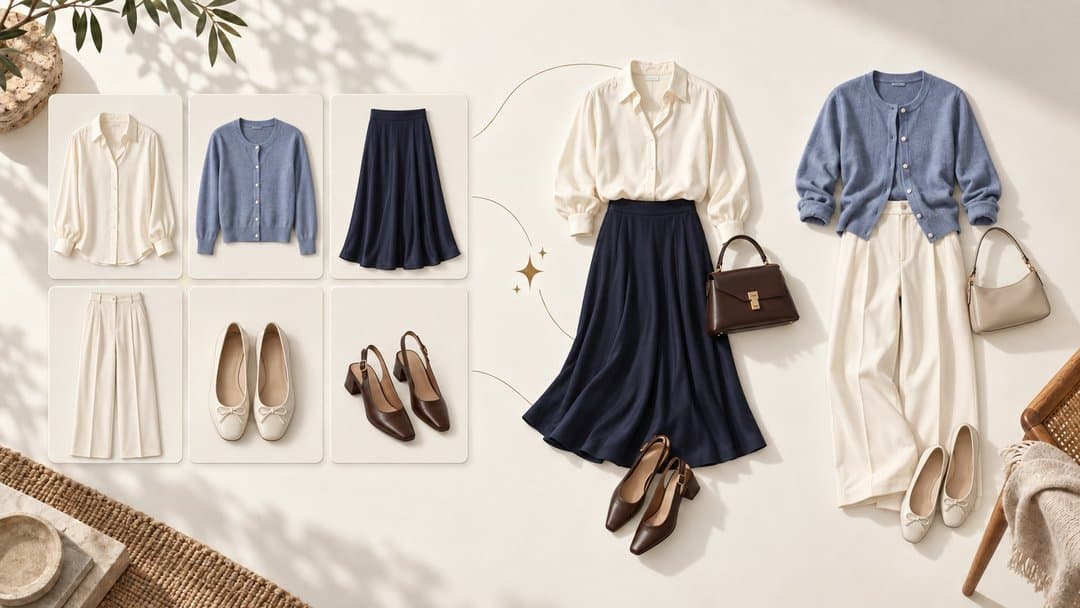
An app can organize your clothes and help you style them.
For example, a combined workflow might let you:
-
Add a photo of a shirt.
-
Review its category and color.
-
Request combinations using that shirt.
-
Replace a suggested item yourself.
-
Save the finished outfit.
However, AI-assisted organization and AI styling are different functions.
Automatically identifying a garment’s color or removing its photo background helps build the digital closet. It doesn’t necessarily mean the app can suggest useful outfits.
Likewise, a tool that produces attractive outfit ideas may offer few ways to organize, search, or update your wardrobe.
Look at what the AI does within the product, rather than treating the AI label as a complete feature description.
Which type of help do you need?
Start with the problem you want to solve.
“I forget what I own.”
Prioritize wardrobe organization.
Look for a clear clothing overview, useful filters, and a manageable process for adding items. Being able to find your clothes quickly matters more here than receiving lots of suggestions.
“I know what I own, but I keep wearing the same combinations.”
Consider styling suggestions alongside manual outfit creation.
You’ll want to experiment with familiar pieces, replace suggestions you dislike, and save successful combinations. Check whether the tool can work exclusively with your own clothes.
“I want to plan my outfits for the week.”
Prioritize saving, labeling, and scheduling outfits.
AI may help generate ideas, but your practical need is to retrieve complete outfits on the right day. Check whether the planning features are easy to use and whether you can make changes when your schedule shifts.
“I want to pack fewer clothes for a trip.”
Look for ways to group trip items and review complete outfits.
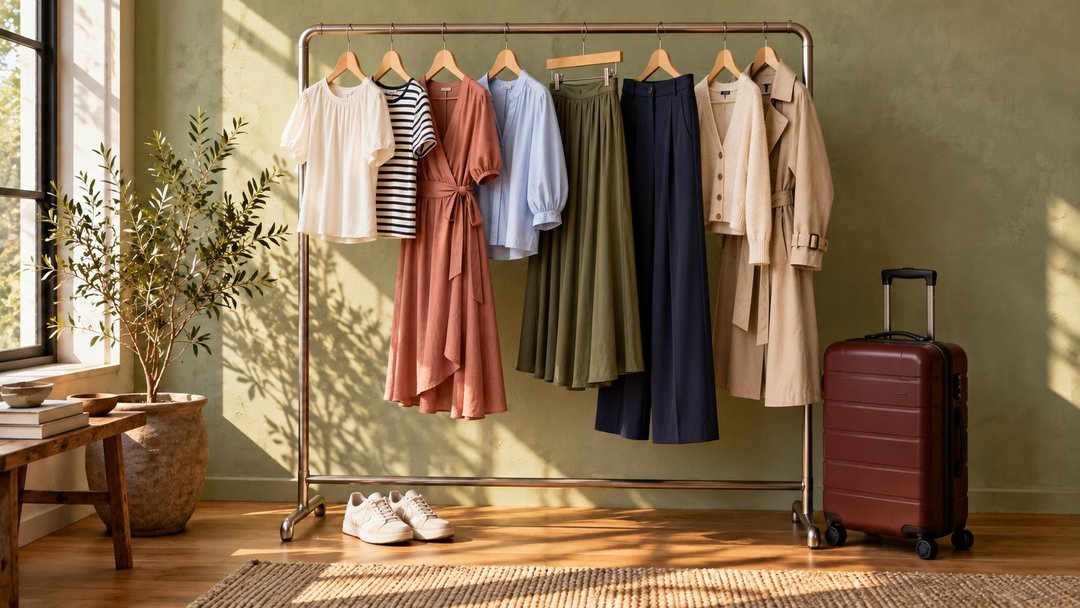
A packing list or trip collection may help. You should also be able to see when a piece appears in multiple looks, either directly or by reviewing the saved outfits.
Any styling suggestions still need to account for your itinerary, weather, laundry access, and walking requirements.
“I want inspiration, but I don’t want to catalog my closet.”
A tool that accepts a specific prompt or a few photos may suit you.
Expect to do more checking yourself. Without a record of your wardrobe, it may suggest items you don’t own or overlook combinations you could already make.
Five questions to ask before choosing an app
1. Does it work with my actual clothes?
Check whether you can upload your own items and whether outfit suggestions use those items.
If your goal is to avoid shopping, look for a way to exclude product recommendations. “Personalized” suggestions don’t necessarily mean suggestions from your closet.
2. How much setup does it require?
Try a small selection before committing to a full wardrobe upload.
Notice how long it takes to add a piece, correct its details, and find it again. Consider whether that process will remain manageable when you add seasonal clothing or new purchases.
3. Can I change the result?
You may like an outfit except for the shoes. Or you may want to replace a suggested sweater because it’s in the laundry.
Look for control over individual pieces, with a straightforward way to save your revised version. Your preferences and practical needs should be easy to apply.
4. What happens to my photos and data?
Read the product’s current privacy information before uploading personal photos.
Check what is stored, how it is used, and how you can delete it. If keeping a portable wardrobe record matters to you, also check whether export is available.
5. Which features are included in the price?
Check the current plan details for the features you expect to use. These might include clothing uploads, saved outfits, AI requests, or planning tools.
Assess the app against your intended routine. A feature you use every week may matter more than several extras you rarely open.
To put these questions into practice, use our closet app checklist to test adding clothes, finding items, saving outfits, and checking plan limits.
What neither tool can decide for you
A clothing photo doesn’t communicate everything about a garment.
A digital record or generated suggestion may miss how a waistband feels when you sit, whether a sweater is itchy, how transparent a fabric is, or whether your shoes stay comfortable after an hour of walking.
Try on unfamiliar combinations before relying on them for a full day.
Treat outfit suggestions as options. If a look feels unlike you, change it. You don’t need to follow a recommendation simply because an app generated it.
A simple test using your own wardrobe
Before adding your entire closet, select a small group:
-
Three tops.
-
Two bottoms.
-
One layer.
-
Two pairs of shoes.
Then use the app to complete the task you care about.
For organization: Add the pieces, find a specific item, and update one of its details.
For styling: Request or build two outfits for a real occasion. Check whether the combinations use your selected clothes and meet your requirements.
For planning: Save a complete outfit with a useful name and retrieve it later.
Ask yourself:
-
Could I complete the task without unnecessary work?
-
Were the clothing details accurate enough to be useful?
-
Could I change something I didn’t like?
-
Would I use the result in real life?
This gives you a practical basis for deciding whether the app fits your routine.
Frequently asked questions
Is a wardrobe organizer the same as an outfit planner?
Not necessarily. A wardrobe organizer focuses on your clothing collection. An outfit planner helps you prepare combinations, sometimes for specific dates. One app may offer both.
Does an AI stylist replace a wardrobe organizer?
Only if it also provides the organization features you need. Generating outfit ideas doesn’t automatically give you a searchable clothing catalog, saved looks, or a planning calendar.
Can an AI stylist suggest outfits from clothes I already own?
Some tools support this. Check whether the app accepts your clothing photos and can limit suggestions to those items. Others focus on general inspiration or products to buy.
Do I need AI to create better outfits?
No. Seeing your clothes together, trying unfamiliar combinations, and saving looks you enjoy can help you create outfits yourself. AI is an optional source of suggestions.
Can one app organize my wardrobe and suggest outfits?
Yes, the categories can overlap. Evaluate each function separately: adding clothes should be manageable, and styling suggestions should be relevant and easy to adjust.
Choose based on the task you want to make easier
If you want to see and manage your clothes, start with organization. If you want help finding combinations, explore styling suggestions. If both matter, test how well the app connects those activities.
Use a few clothes you know well and one real situation to dress for. The most useful tool is one that helps you reach an outfit you want to wear—and makes it easy to find again.