How to Choose a Closet App: A Practical Checklist
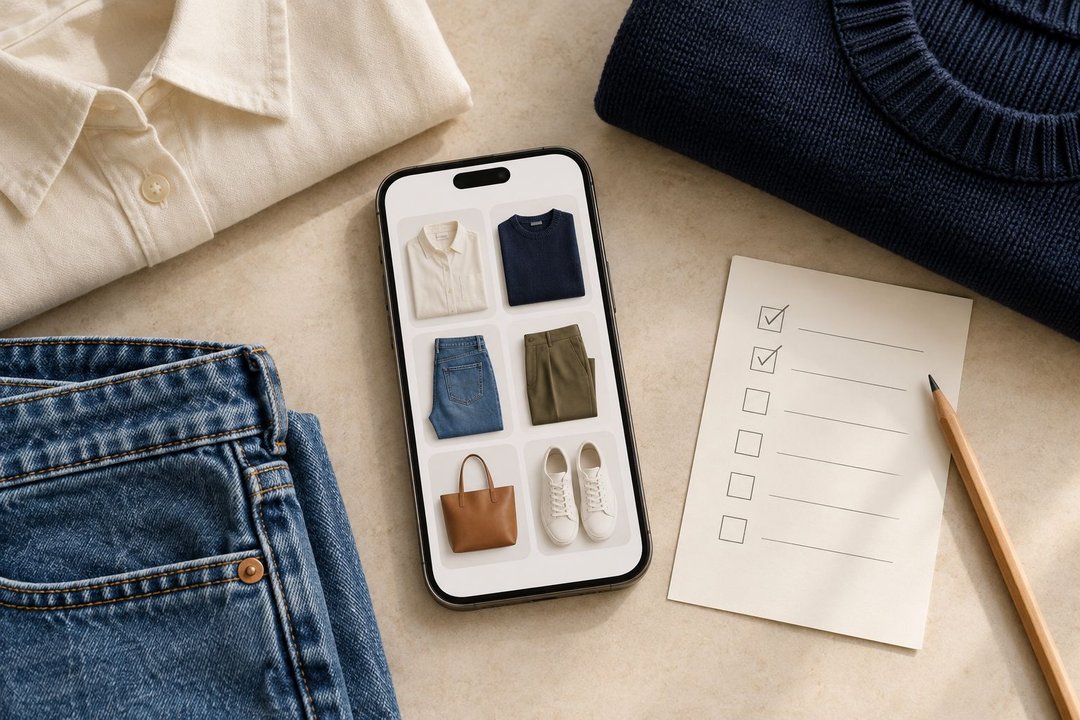
To choose a closet app, test the tasks you want it to handle using a small selection of your own clothes. Check whether you can add and correct items, find a specific piece, save a complete outfit, and retrieve it when you need it. Then compare the price and access requirements for those tasks.
A feature list is a useful starting point. Your decision becomes clearer when you can record what worked, what required a workaround, and what you still need to verify.
This checklist will help you compare wardrobe apps without uploading your entire closet first.
Start with one task you want to make easier
Write a sentence describing the result you want:
-
“I want to find clothes I forget I own.”
-
“I want to keep complete outfits ready for work.”
-
“I want to compare combinations before packing.”
-
“I want suggestions that use my actual clothes.”
Choose one as your priority. You can add a second, but a short list makes the comparison easier.
If you are still deciding between a clothing catalog and styling suggestions, read our guide to AI stylists and wardrobe organizers. It explains the categories and where they overlap.
Next, separate your requirements into three groups:
| Priority | Meaning | Example |
|---|---|---|
| Must have | You would not choose the app without it | Works on your phone |
| Useful | Makes a regular task easier | Lets you add outfit notes |
| Optional | Interesting, but not part of your main task | A sharing feature you might use occasionally |
Your list can differ from someone else’s. A traveler may need access without a connection. Someone who plans at home may care more about finding saved outfits quickly.
Prepare a small, repeatable test
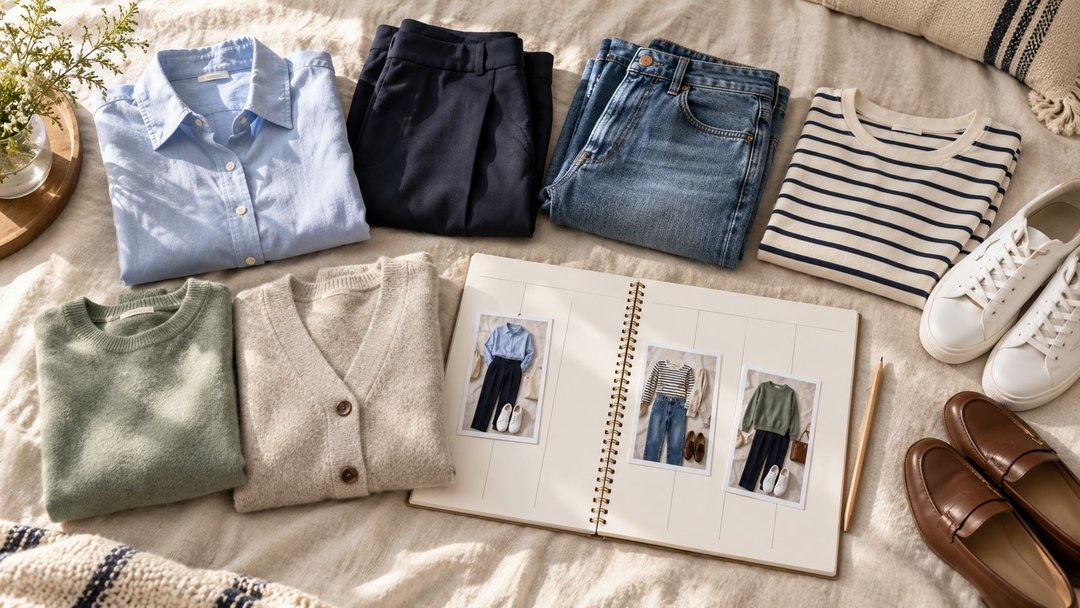
Choose a few familiar pieces that can form at least one complete outfit.
For example:
-
Two tops.
-
One pair of pants or a skirt.
-
One dress, another bottom, or another top.
-
One layer.
-
Two pairs of shoes.
Include a patterned or textured piece and two items that are easy to confuse, such as similar dark tops.
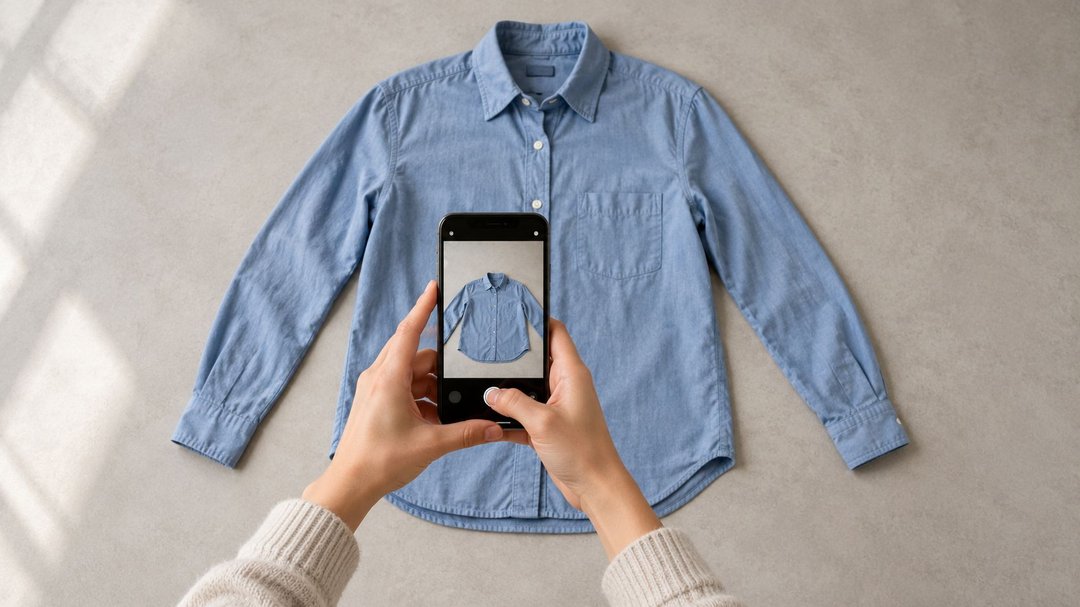
Use the same selection in each app you compare. Keep the original photos so you can reuse them. Before comparing apps, take clear photos of your clothes so lighting or missing details do not make the results harder to evaluate.
You are testing whether the workflow suits you. There is no required upload speed or number of items to finish.
1. Check how easily you can add and correct clothes
Add a piece using the method you expect to use regularly: a camera photo, an existing image, or another supported option.
Then inspect the result.
Can you recognize the garment? Is the color close enough to distinguish it from similar pieces? Are important details still visible? If the app assigns a category automatically, can you correct it?
Try changing one field before continuing.
A useful test is a navy shirt that the app identifies as black. You should be able to find the correction process and understand what changes after saving.
In Modesona’s digital closet, category, color, style, season, and tags can be edited. That provides a concrete example of the controls to look for.
Record: how you added the item, what needed correction, and whether you could make that correction.
2. Find a specific item without relying on its position
After adding your selection, leave the item screen and try to find one piece again.
Search for something concrete, such as your striped shirt or walking shoes. Test the available categories, filters, and names.
If you have similar items, check whether you can distinguish them without opening every record.
Modesona’s digital closet includes text search and filters for category, color, style, season, favorites, and your own tags. Other apps may organize those controls differently.
The useful question is whether their organization matches how you look for clothes.
A small test cannot prove how an app will feel with a much larger catalog. It can reveal missing filters, unclear labels, or an editing process you already find difficult.
Record: which search or filter worked and anything you could not find easily.
3. Build an outfit and change one piece
Create a complete outfit using your test selection. Include shoes and any layer you need.
Then replace one item.
For example, change sneakers to loafers while keeping the shirt and pants. Check whether you can make that adjustment without rebuilding everything.
If you use AI suggestions, inspect the actual items included. Are they your uploaded clothes, sample garments, or shopping recommendations?
A realistic-looking image alone does not establish that the app used the exact pieces you own. Compare it with your catalog.
You can use our guide to creating outfits from clothes you already own to prepare a combination before testing it digitally.
Record: whether you could create and revise a complete outfit using your selected pieces.
4. Save two versions and retrieve the right one
Save the first outfit, then save or retain the version with different shoes.
Use names that distinguish them, such as:
-
Office — loafers.
-
Errands — sneakers.
Close the outfit screen and return later. Can you find the version you want? Are all its pieces visible? Can you keep a note that helps you use it?
Modesona’s saved outfits hold complete combinations and support favorites and notes.
Also check what happens when your wardrobe changes. The Modesona feature page explains that saved looks refer to closet items, so deleting an item affects looks that use it. Understanding that relationship helps you avoid surprises.
Record: how you distinguish versions and whether you can recover the correct combination.
5. Test planning only if you need it
If preparing outfits ahead of time is one of your priorities, assign a saved look to a date.
Then change your plan:
-
Move the outfit to another day.
-
Replace it with another saved combination.
-
Remove a plan you no longer need.
Check whether the app distinguishes its own outfit calendar from your phone’s calendar.
For example, Modesona’s outfit calendar offers week and month views. Adding a planned outfit to your device calendar is optional and requires permission; it does not happen automatically.
A calendar entry also represents an intention. If you want wear tracking, separately check how the app records what you actually wore.
Record: whether you can revise plans and how any device-calendar connection works.
6. Check access in the places you will use the app
Confirm that the app supports your device and operating-system version before investing time in setup.
Then consider your routine.
Do you want to review clothes on a larger screen? Use saved outfits while traveling? Consult your catalog somewhere with an unreliable connection?
Check each requirement separately. Access on two devices does not automatically establish that changes synchronize between them.
If offline access matters, test it after saving a small selection. Turn off your connection and see which parts remain available. Viewing previously opened images is not necessarily the same as browsing the full catalog offline.
Record: which devices and connection conditions you checked. Mark anything else as unverified.
7. Review the plan that covers your intended use
Look at the current offer for your region and the features you expect to use.
Check:
-
Clothing-item limits.
-
Saved-outfit limits.
-
AI request or credit allowances.
-
Access to planning tools.
-
Whether an introductory trial ends.
-
The billing period and renewal amount.
-
What remains accessible if you stop paying.
Separate an ongoing free plan from a temporary trial. Also distinguish a one-time purchase from a recurring subscription.
If comparing costs, use the same period and include the features you need. A lower starting price may cover a different amount of use.
You do not need to subscribe just to complete this worksheet. Where a feature cannot be tested without payment, record the restriction and use the current official documentation as supporting information.
Record: the plan name, price shown, billing period, relevant limits, and date checked.
8. Check what you can keep, export, or remove
Review the app’s current information about photo storage, sharing, export, and deletion.
Keep these questions separate:
-
Can you download your original clothing images?
-
Can you export item names and details?
-
Can you preserve complete outfit combinations?
-
Can you remove an individual item?
-
What does account deletion remove?
An image download and a complete wardrobe export are different capabilities. If portability matters, inspect a sample export when available and see whether it contains what you need.
Use a disposable test item for deletion experiments. Do not remove useful records simply to see what happens.
If the documentation does not answer a requirement, mark it as unknown and ask support before relying on it.
Record: what is documented, what you tested, and what remains unclear.
Use this closet app comparison worksheet
Copy the table for each app you are considering.
For the result, use:
-
Works: you completed the task.
-
Workaround: possible, but with extra steps you are willing to take.
-
Unavailable: the required option is absent or inaccessible on the plan you evaluated.
-
Unverified: you have not established whether it works.
| Requirement | Must have, useful, or optional? | Result | Evidence or limitation |
|---|---|---|---|
| Add a recognizable item and correct its details | |||
| Find a specific garment | |||
| Build an outfit and replace one piece | |||
| Save and retrieve distinct outfit versions | |||
| Move or replace a planned outfit | |||
| Access the app on required devices or offline | |||
| Use needed features within your budget | |||
| Keep, export, or remove the information you need |
Write a short observation rather than a general impression.
“Found my navy pants using category and color” is more useful than “good organization.”
“Could not test offline browsing” is more accurate than assuming that it works or does not work.
Make the decision from your must-haves
Review mandatory requirements first. A long list of optional features does not resolve an unmet requirement.
Here is an illustrative example:
You need an Android app, a searchable clothing catalog, and saved outfits within your budget. Offline use would be helpful, but you do not need AI suggestions.
One candidate handles the three required tasks comfortably. Another offers more image-generation options but does not support your device. The first remains the relevant candidate for your needs.
If several apps meet your requirements, compare the task you expect to repeat most often. Which process would you be comfortable doing again next week?
Choose one to continue testing with a manageable selection. You can build your digital closet gradually once you know the basic workflow suits you.
Frequently asked questions
What is the most important feature in a closet app?
It depends on your main task. Finding clothes requires a usable catalog and search. Repeating outfits requires reliable saving and retrieval. Planning ahead requires a calendar you can revise. Identify your priority before comparing extras.
Do I need an AI wardrobe app?
You can organize clothing photos and build outfits without AI suggestions. If suggestions are important to you, test whether they use your clothes and whether you can adjust the result.
For product comparisons focused on that capability, see the separate AI stylist app comparison.
Is a free closet app enough?
It may be, if its ongoing limits cover your needs. Check item allowances, saved outfits, planning access, and any AI limits. Verify what remains available after an introductory offer ends.
How many clothes should I upload before choosing?
Start with enough familiar pieces to complete your main task. A small selection can reveal problems with adding, finding, and saving. It cannot fully demonstrate performance with a large wardrobe, so expand gradually.
Can an app tell whether an outfit is comfortable?
A digital image cannot confirm how fabric feels, whether a waistband presses while you sit, or whether shoes remain comfortable during a walk. Try unfamiliar combinations on before relying on them.
Choose the app you can use again
Finish with evidence: a garment you can find, an outfit you can retrieve, a plan you can change, and access terms you understand.
Keep the comparison centered on your own clothes and routine. Once those tasks work, adding more items has a clear purpose.
To evaluate Modesona, start with its digital closet, test a complete look in saved outfits, and explore the outfit calendar if planning is one of your priorities.