01
Start from a photo
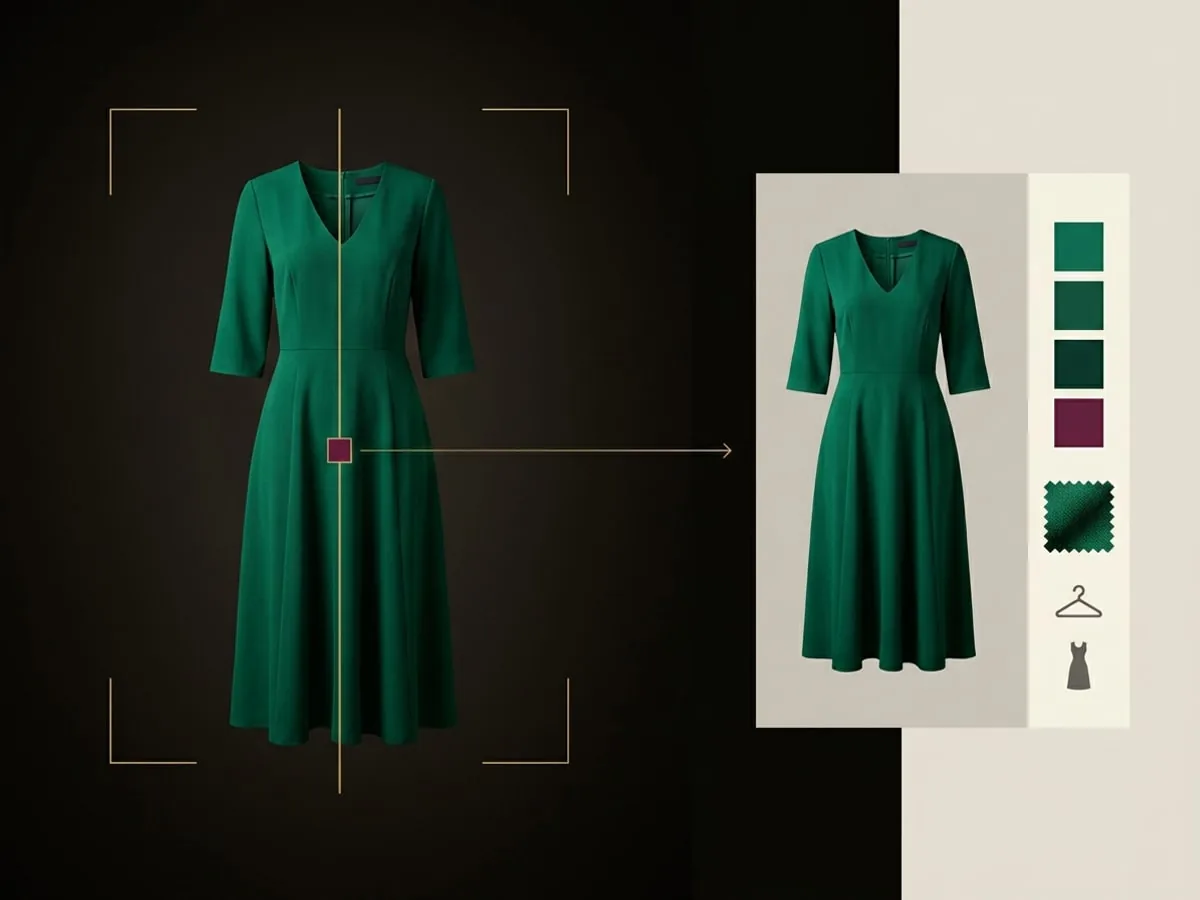
Add a piece from your camera or your photo library, whichever is faster in the moment.
SMART SCAN
Point your camera at a garment and Modesona prepares the category, colours, and style details, so adding a piece to your closet stays a quick review instead of a form.
→ 01 / WHY THE FIRST STEP MATTERS
Every wardrobe tool in Modesona depends on knowing what you own. Smart Scan removes the typing, so the first pieces take minutes instead of an evening.
01
Add a piece from your camera or your photo library, whichever is faster in the moment.
02
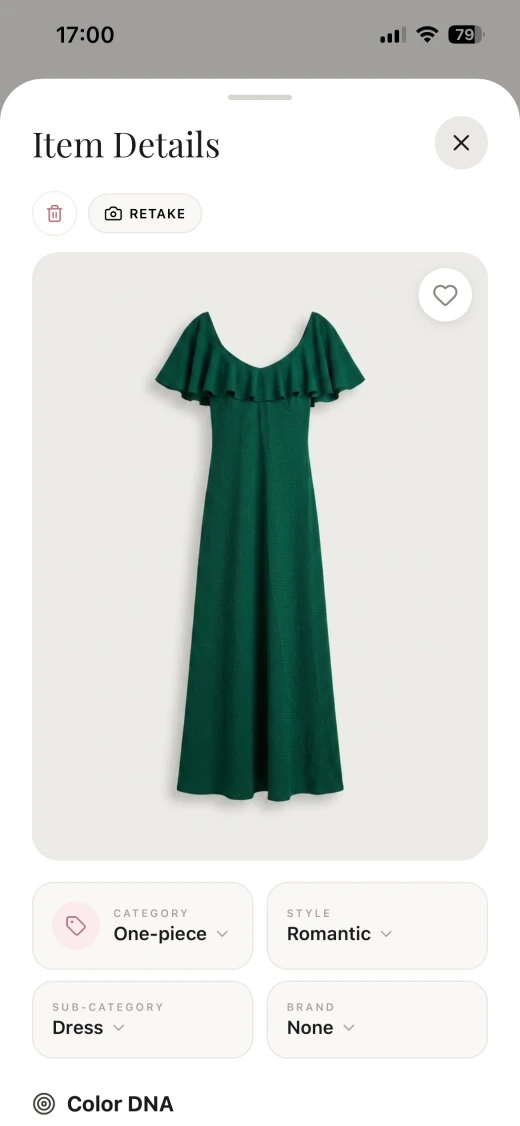
Modesona proposes the category, sub-category, colours, and style, so you only confirm what it read correctly.
03
Edit anything before saving, because the closet should match your clothes and your words for them.
→ 02 / FROM PHOTO TO WARDROBE ITEM
The item screen shows what Modesona read from the photo. Change the category, style, or brand, then save the piece into your closet.
→ 03 / HOW IT WORKS
The flow is built around confirming a suggestion rather than filling in a record, which is what keeps a large wardrobe realistic to digitize.
Lay the piece flat or hang it against a plain background so its shape and colour read clearly.
Review the proposed category, colours, and style details on the item screen.
Adjust anything that is wrong, add your own tags, and the piece becomes searchable straight away.
→ 04 / WHAT THE SCAN DOES
Smart Scan reads a photograph, so it can misread a fabric, a shade, or an unusual cut. Every classification is a suggestion you confirm, which is why the review step is part of the flow rather than optional.
Lighting, patterns, and unusual silhouettes can all lead to a wrong category or colour. Correct it on the item screen.
A piece joins your closet when you accept its details, so the wardrobe data behind every recommendation stays yours.
Delete a scanned item whenever you want. Its image is removed with the item, and with your account under the published retention policy.
Scan images are processed to prepare the item details. The Privacy Policy sets out who processes them and how long they are kept.
→ 05 / QUESTIONS, ANSWERED
What the scan reads, what you can change, and what happens to the photos you take.
You photograph the piece or pick a photo from your library, and Modesona prepares its category, colours, and style details. You review those details on the item screen and save the piece to your closet.
A single garment on a plain background, lit evenly and photographed straight on. Busy backgrounds and several pieces in one frame make the details harder to read. Follow our clothing photography guide for practical tips on lighting, framing, and checking the uploaded result.
Yes. Category, sub-category, colours, style, and brand are editable before and after saving, and you can add your own tags.
You can keep scanning pieces one after another, and the item screen reports progress as each one is classified.
They are processed to prepare the item details and stored with the item in your closet. Deleting the item or your account removes them under the published retention policy.
You are cordially invited
Modesona is your personal stylist — free, instant, and built around everything already hanging in your wardrobe.


Free · No card required · iOS & Android